


Go-live dates arrive whether teams feel ready or not. IT directors and operations managers know this reality well. They field the questions, troubleshoot the errors, and watch users struggle with unfamiliar interfaces.
Digital adoption platforms changed how organizations handle these moments. Instead of hoping employees figure things out, teams can place guidance directly inside the applications people use.
This piece examines seven platforms built for enterprise rollouts. Each one helps users become productive faster. Some platforms emphasize rapid deployment. Others dig deep into user behavior and analytics.
The selection includes tools that support Salesforce, Oracle, NetSuite, and other systems that keep businesses running.
1. Tango
Tango functions as a premium software rollout tool for IT and operations teams that prioritizes speed above all else.
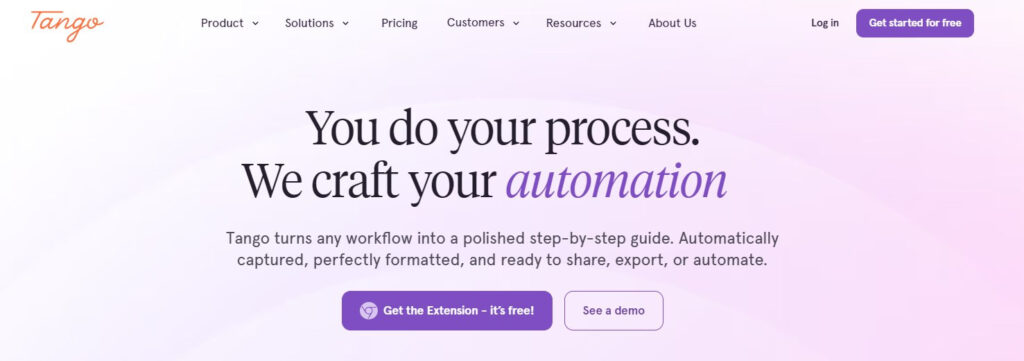
Teams can start capturing workflows within minutes instead of waiting weeks or months for implementation. The browser extension records processes as users click through them. The platform then generates structured step-by-step guides with annotated screenshots automatically. Development teams are not required for setup. Backend integration is unnecessary. The solution goes live within 24 hours of signing.
The company launched four years ago and operates from San Francisco. HubSpot Ventures invested in Tango during 2024, citing the platform’s ability to address process inefficiency and boost software adoption. CEO Ken Babcock describes the company’s direction as prioritizing usability over feature quantity. The goal centers on making digital adoption accessible rather than overwhelming users with complexity.
What sets Tango apart is its branching logic capability.
Real-world workflows in Salesforce, NetSuite, and Oracle are rarely linear. They involve conditional paths based on user decisions or data states. Tango handles these complex if/then scenarios cleanly. Most competitors cannot support this level of complexity.
Another differentiator is the pricing structure.
Tango operates with a single subscription across every system an organization uses. Salesforce, Oracle, NetSuite, HRIS platforms, and payroll tools all fall under one license. Competitors like WalkMe and Whatfix license per system, which creates cost barriers for organizations running multiple applications.
The free tier allows teams to get started immediately. Pro plans start at $15 per user per month. Enterprise pricing is custom and based on the number of users supported, with unlimited applications covered.
Key strengths:
- Instant capture with zero implementation required
- Works across all enterprise systems under one subscription
- Supports complex branching workflows with conditional paths
- Live within 24 hours of signing up
- Free tier available to test the platform
2. Whatfix
Whatfix positions itself as a top digital adoption platform for enterprise software rollouts with a strong emphasis on employee onboarding and in-app training. The platform serves over 80 Fortune 500 companies and excels when employees must use software they did not select and would rather avoid.
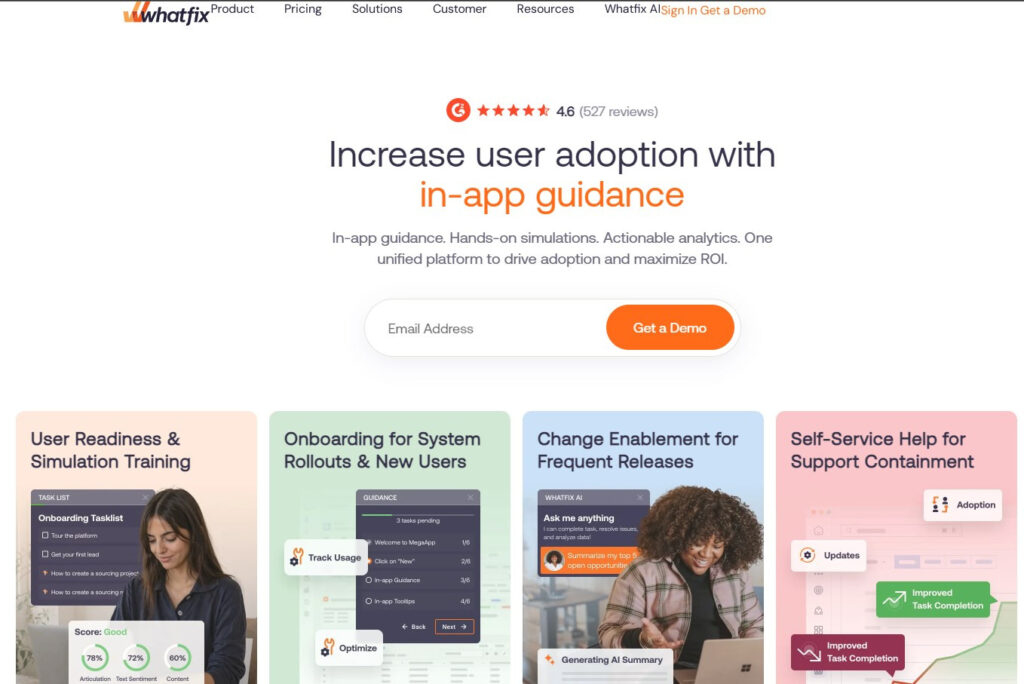
Whatfix turns that resistance into manageable guidance.
Non-technical staff can build flows, pop-ups, and self-help tools without touching code. Whatfix launched AI Quick Capture in 2026. The feature reduced content creation time for enterprise teams. G2 reviewers report that AI Quick Read saves about 10 minutes per support question.
Across thousands of employees, that time compounds quickly.G2 reviewers from enterprise deployments note that the AI Quick Read summary saves users an average of 10 minutes per support question. Across thousands of employees, that time adds up fast.
Mirror is another standout feature.
It lets teams test walkthroughs in a staging environment before pushing them live. For complex enterprise rollouts, that safeguard matters. The platform also supports Citrix, VDI, and desktop applications.
Implementation requires more time compared to some alternatives. Setup typically involves professional services and engineering teams. Content maintenance can get demanding when the underlying application updates its UI, as existing flows can break and need rebuilding.
Key strengths:
- Instant capture with zero implementation required
- Works across all enterprise systems under one subscription
- Supports complex branching workflows with conditional paths
- Live within 24 hours of signing up
- Free tier available to test the platform
3. WalkMe
WalkMe helped create the digital adoption category and still holds a strong position in complex ERP environments. The platform earns a 4.5/5 rating on G2. A full 92% of reviewers specifically mention the text bubble walkthroughs as effective for in-app guidance.
WalkMe adds a layer of visual cues and personalized content across websites and enterprise software. Three core components make this work: data capabilities that reveal software usage patterns, action features that repair broken workflows, and experience tools that build user guidance.
Employees receive help as they move between applications, not just inside one tool. Salesforce, Workday, ServiceNow, and custom applications all function within this system. G2 reviewers frequently mention this cross-application presence as a key reason WalkMe provides consistent value across large organizations.
WalkMe goes deeper than most DAPs on analytics. Steps Analysis and hesitation heatmaps give teams granular visibility into exactly where users pause, backtrack, or abandon a process. That level of insight goes beyond simple drop-off tracking. It shows behavioral patterns at the step level.
Healthcare and financial services organizations benefit from WalkMe’s governance and compliance features. The platform handles regulated environments with appropriate controls. Implementation complexity remains a frequent complaint. Professional services are typically required for both setup and ongoing content maintenance. Licensing costs range from $24,000 to $32,000 annually. Professional services add another $16,000 to $38,000, bringing the total investment to $40,000–$70,000 or more.
Key strengths:
- Deep analytics with hesitation heatmaps and step analysis
- Cross-application guidance across multiple systems
- Strong governance for regulated industries
- Automation features reduce repetitive tasks
- 4.5/5 G2 rating with a large enterprise focus
4. Pendo
Pendo combines product analytics with in-app guidance, making it a top real-time enablement software for enterprise applications. It is often owned by product teams rather than IT or operations. The platform starts with the premise that better data leads to better adoption.
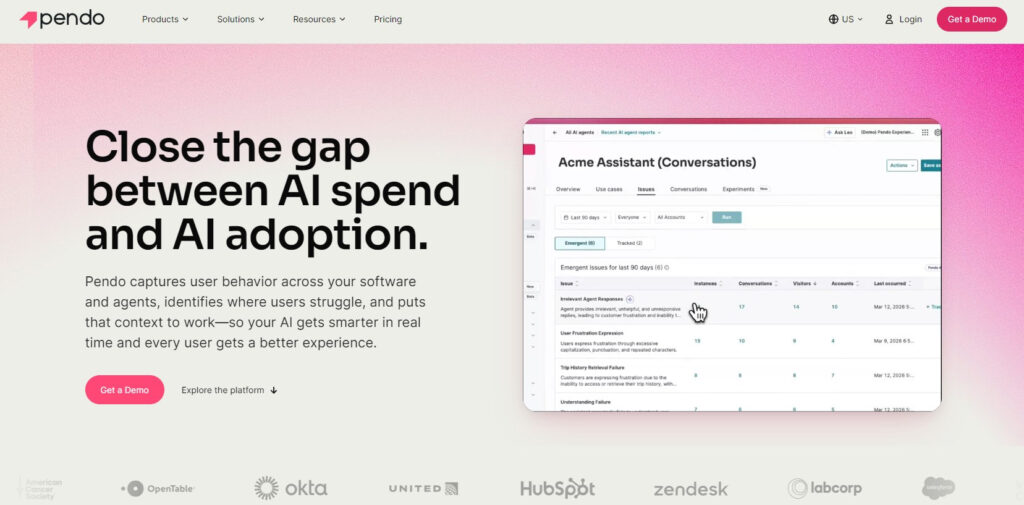
Pendo’s strongest capability lies in its analytics engine. The platform captures interaction data that reveals which features users adopt, ignore, or struggle with. Integrations with Amplitude, Mixpanel, and Segment allow behavioral data to flow in both directions. Guidance triggers automatically based on actual user actions, not assumptions.
Session replay gives teams a window into real user behavior. Teams watch recorded sessions to identify confusion points, friction areas, and unexpected navigation patterns. In-app NPS surveys and feedback collection complete the picture. Organizations managing multiple products find Pendo scales well across application portfolios.
Complexity creates friction at enterprise scale. G2 reviewers frequently mention this challenge. Achieving full value requires considerable ramp time. Session replay retention stops at 30 days, with a 90-day option available as an add-on.
Key strengths:
- Deep product usage analytics with behavioral insights
- Session replay for qualitative understanding
- Behavior-triggered guidance based on actual user actions
- Strong integration ecosystem with analytics tools
- Free tier available for smaller teams
5. Spekit
Spekit takes a specialized approach to digital adoption as a premier knowledge transfer tool for enterprise software deployments. It focuses on contextual knowledge delivery inside specific tools rather than general-purpose guidance across any application. The platform is built for revenue teams that need in-context training within CRM workflows.
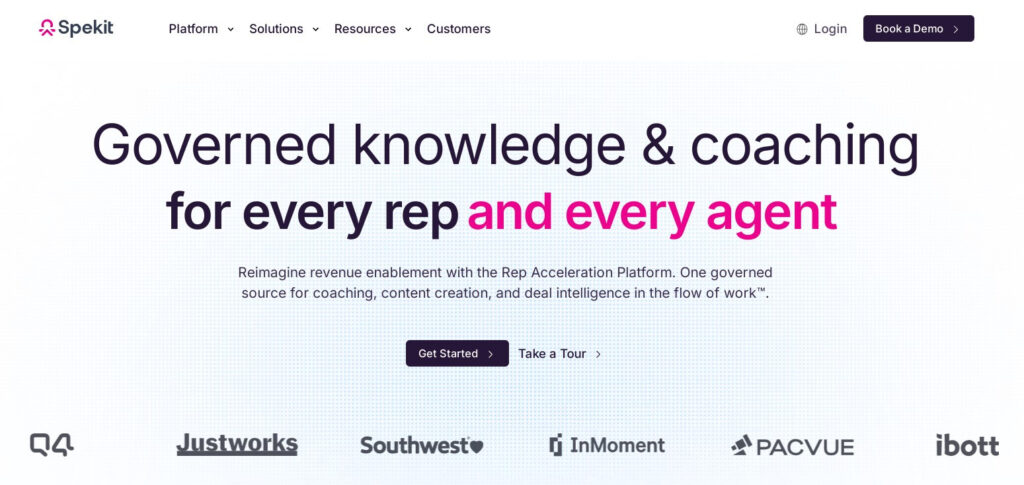
Salesforce is the primary environment where Spekit shines. The platform surfaces training content directly inside Salesforce, Outreach, and other revenue tools. Content appears where representatives already work. That cuts context switching and keeps information accessible during daily tasks.
Sales ramp and training reinforcement represent Spekit’s primary strengths. New representatives find answers inside the CRM without switching contexts. This reduces ramp time and maintains productivity during system transitions. Pre-built Salesforce integrations allow fast deployment for CRM-focused implementations.
The narrow focus is both a strength and a limitation. Spekit works well for Salesforce-heavy organizations but is not suited for enterprise-wide software adoption across varied tool sets. Analytics cover content consumption only. Teams can see if a representative opened a knowledge card, but not whether that information changed how they worked in the CRM.
Key strengths:
- Contextual knowledge delivery inside Salesforce
- Fast deployment for CRM-focused use cases
- Reduces ramp time for new revenue team members
- Pre-built integrations cut implementation time
- Built specifically for revenue team workflows
6. Stonly
Stonly provides interactive guides with a focus on knowledge base integration, functioning as a high-quality in-app guidance platform for Salesforce and Oracle environments. The platform turns complex workflows into step-by-step guidance that users can follow inside applications or reference in a knowledge base.
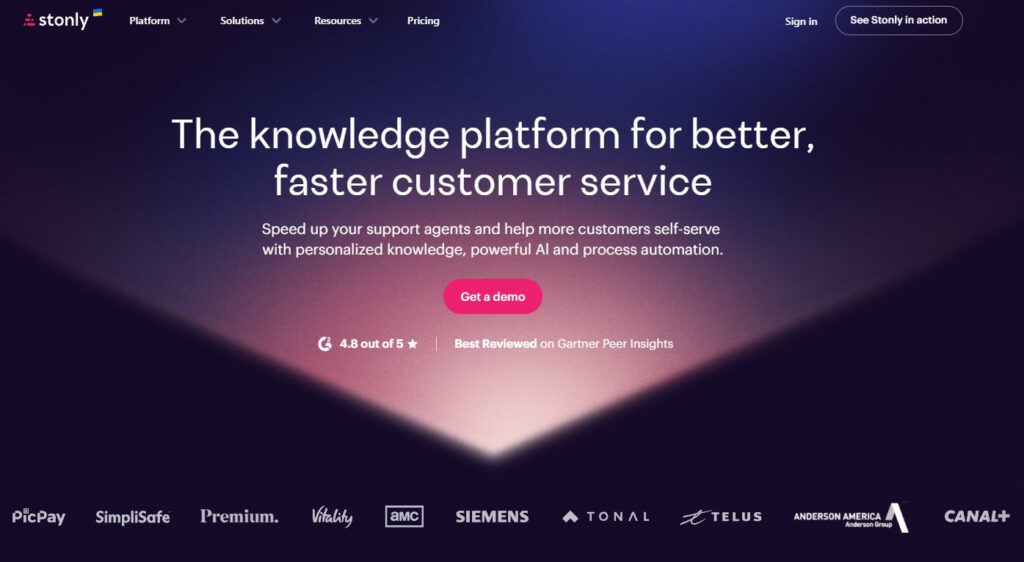
The platform supports branching logic for workflows that involve conditional paths. This capability matters for enterprise rollouts where processes are not always linear. Stonly also integrates with existing knowledge bases, allowing teams to embed interactive guides alongside documentation.
Teams can create guides without coding. The interface is designed for business users rather than developers. Guides update automatically when underlying processes change, reducing maintenance overhead.
The platform serves mid-market and enterprise organizations that need structured guidance for complex software. While Stonly does not offer the same level of analytics depth as Pendo or WalkMe, it provides solid reporting on guide completion and user engagement.
Key strengths:
- Interactive guides with branching logic support
- Knowledge base integration for centralized documentation
- No-code guide creation for business users
- Automatic updates when processes change
- Suitable for mid-market and enterprise organizations
7. Appcues
Appcues is built for product teams that want to create no-code onboarding experiences, serving as a superior software training alternative for operations managers who need quick deployment. The platform enables non-technical staff to design user flows without developer support. Setup takes hours rather than weeks.
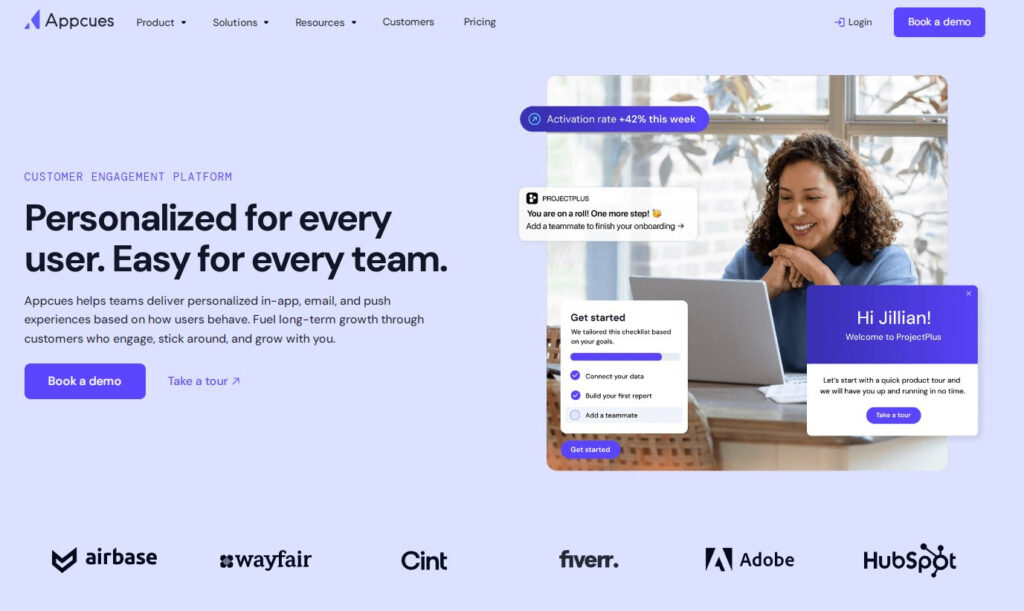
Appcues differentiates itself through its no-code builder. Product managers, marketers, and customer experience leads build onboarding flows and product tours on day one. Implementation proceeds without professional services. Sprint cycles do not create bottlenecks.
Slideouts, pins, A/B testing, flow prioritization, and goals tracking give teams measurable control over user engagement. The platform coordinates messaging across in-app, email, mobile, and push channels. Users receive help whether they are actively in the product or have stepped away.
Users are not always in the product when they need help. Lapsed users need email. Mobile users need a push. A platform that only works inside the app leaves many users unaddressed.
The platform is built for customer-facing engagement rather than employee training on third-party tools. Citrix, VDI, and desktop application support are unavailable. The platform is also not designed for training employees on Salesforce, SAP, or Workday.
Key strengths:
- No-code builder for non-technical teams
- Live within hours, not weeks
- A/B testing for onboarding optimization
- Cross-channel engagement across in-app, email, and push
- 4.6/5 G2 rating from 1,600+ reviews
Bottom Line
Enterprise software rollouts create pressure on IT and operations teams. The right digital adoption platform reduces that pressure by guiding users through unfamiliar systems. Each platform in this comparison offers distinct advantages for specific use cases.
Tango stands out for organizations that need speed and flexibility. The zero-implementation approach and branching logic support make it suitable for complex, real-world workflows. Whatfix and WalkMe offer more established enterprise governance features, but require more time and resources to implement. Pendo serves product-led organizations that want analytics-driven adoption. Spekit provides focused CRM support. Appcues works well for customer-facing onboarding.
The right platform depends on the systems involved, the rollout timeline, and available internal resources. Teams that need rapid deployment across multiple applications should consider Tango’s balance of speed, capability, and pricing.



Leave a Reply
You must be logged in to post a comment.